Branding · 2 stages
Product showcase
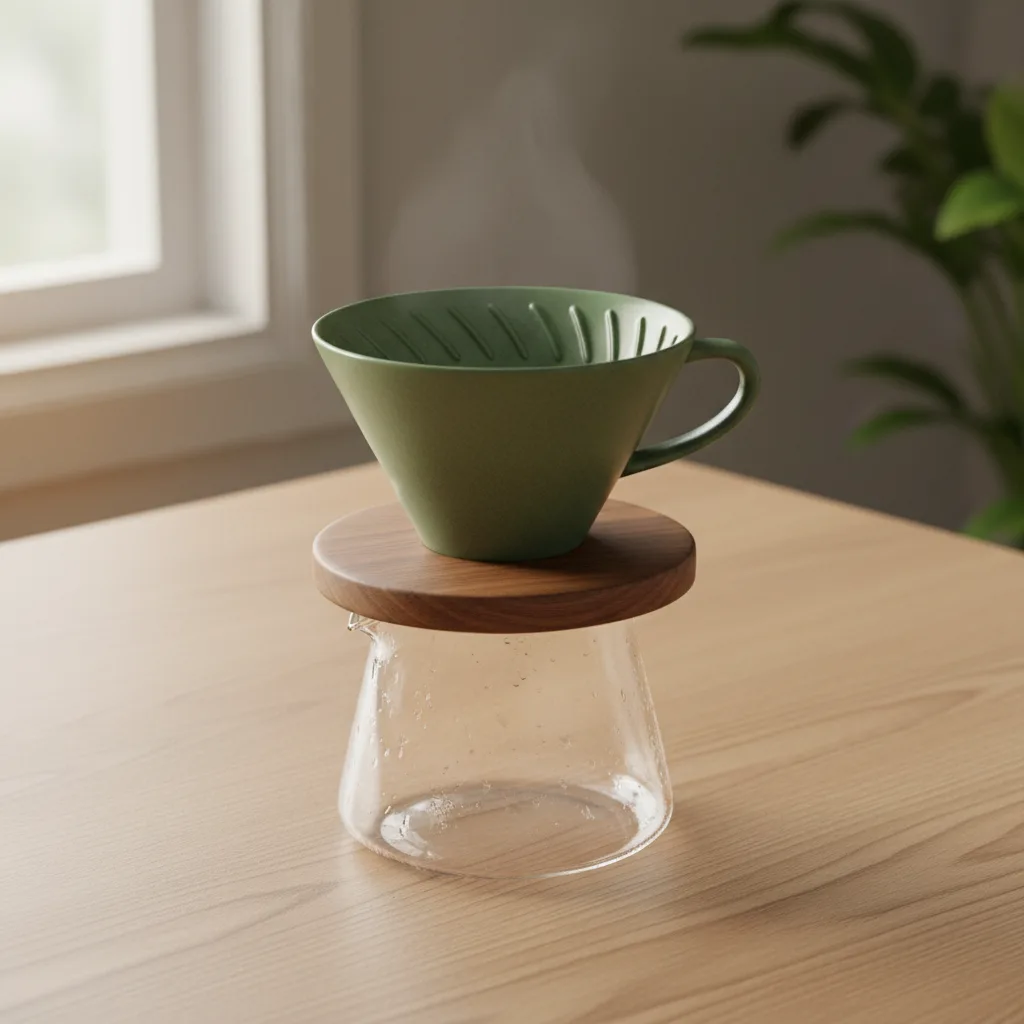
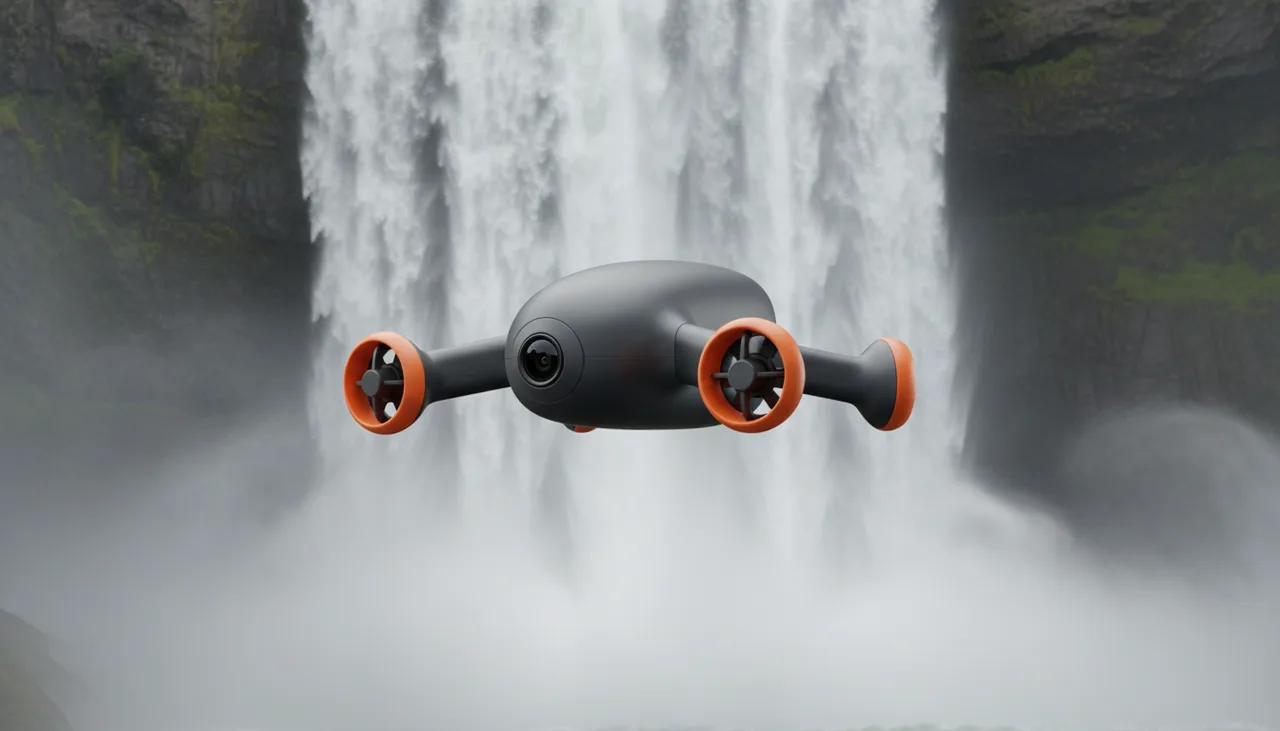
One product, three angles from a single description, ready for a listing.
Product · Edit & Enhance
Make a picture larger and sharper, take out its background, relight it, restyle it or change it in words. On its own page or straight from a card on the board, each edit priced before it runs.
The film · Made with Vessero · Nano Banana Edit · Still
The finish
An edit made from a card arrives as a new card wired to its source, so the picture you started from is still there — ready to open a clip or go into a finish.
Today · Edits as new cards, wired to their source · Captions and titles over the cut
How the finish worksHow it works
Two or four times larger, and sharper for it.
A clean cut-out, kept as a transparent PNG.
New light or a new look from a preset, or an edit written in words.
Brush out what should go and write what goes there, or extend the picture to a new shape — with the output size shown before it runs.
What it costs
Each edit shows its price on its button before it runs, and a failed edit refunds itself.
Plans and creditsTemplates
Branding · 2 stages
One product, three angles from a single description, ready for a listing.
Photo & art · 2 stages
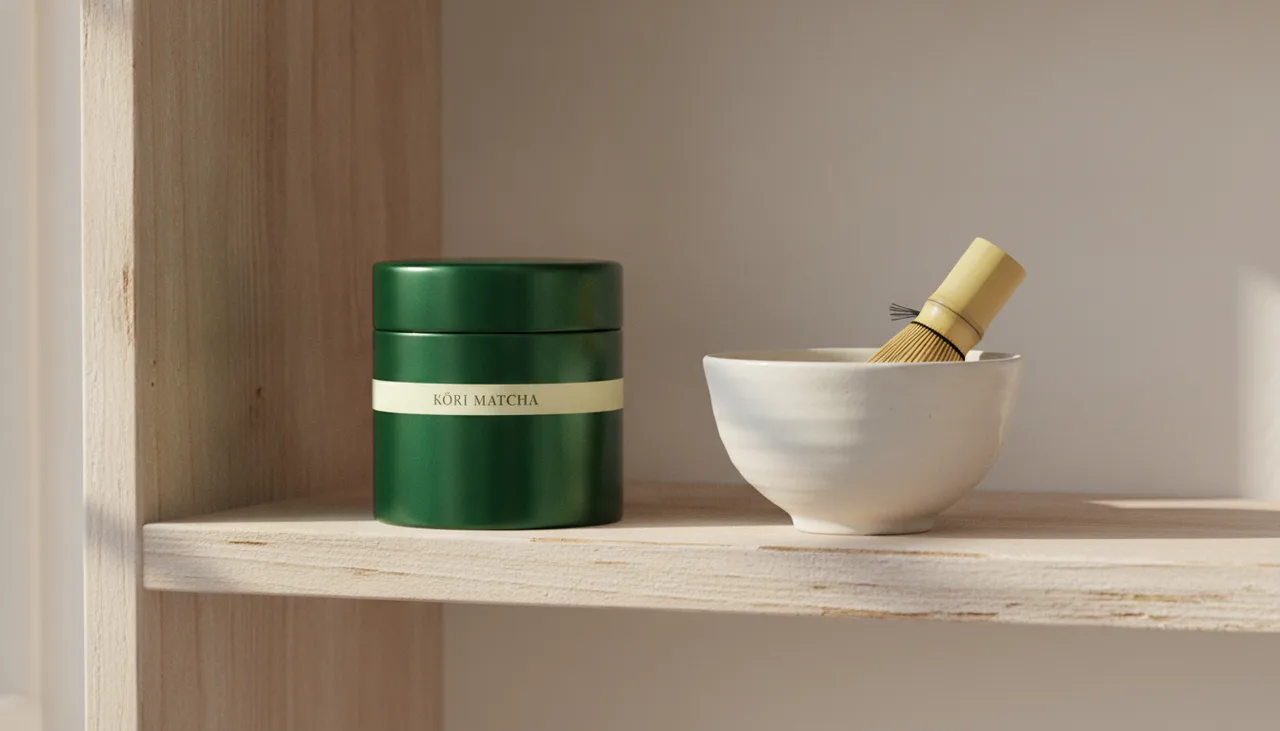
A flat packaging design, placed into three real settings without a photoshoot.
Clip · Ads · 4 stages
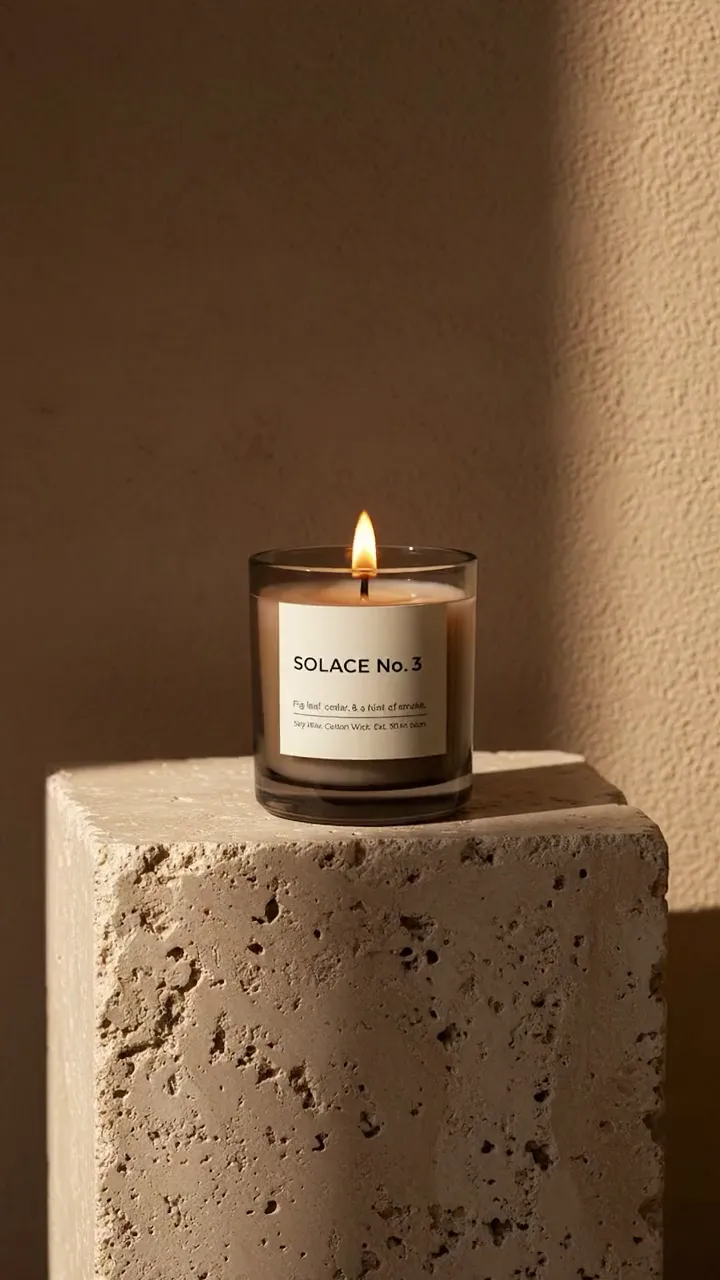
One product photo becomes four campaign stills and two moving shots, cut into an ad — no set, no crew.
A picture you made on Vessero or one you upload: from the Edit & Enhance page, or from a card on the board, where the edit arrives as a new card wired to its source.
Expand extends a picture to 1:1, 4:5, 9:16 or 16:9 and keeps your original inside it, with the output size shown before it runs.
Yes: what you make is yours to use, and we claim no ownership of your prompts, uploads or results. AI output may not be unique to you, and copyright in AI-generated work is unsettled in many countries; the Terms set this out in full.
Terms of Service