Skip to content
    • Creative BoardThe multiplayer canvas a campaign is built on: wired cards, every model, templates in one click and the price on every Run.
    • MotionThe motion engine: captions with real typography, kinetic type and motion graphics, from the finish card, Story and Prompt to Motion.
    • TemplatesBoards named for what they make: product reveals, video ads, social clips. Each arrives with finished samples, and opening one is free.
    • ModelsEvery video and image model on Vessero, with the credits each one costs before you run it.
    • AppsCampaign workflows packaged to run again: paste a product link, pick a presenter, and the finished ads come out.
    • Brands & e-commerceBuild the hooks, demos and cut-downs for a launch on one board, test more than one idea, and see what every run costs before it runs.
    • AgenciesPitch directions side by side before the shoot, direct the client’s pick to a finished cut on a shared board, and price every round first.
    • App & SaaS· HEREWrite, voice and cut hook variations for install ads and explainers, in every shape the feeds want, priced before they run.
    • CreatorsNarrated shorts, consistent characters, B-roll, music beds and thumbnails at the cadence a channel needs, without a crew.
  • Templates
  • Pricing
    • FAQAnswers about templates, credits and plans, models, AI disclosure and your account.
    • TrustHow credits, refunds and AI disclosure work: what the product enforces today, and what is coming.
    • GuidesGuides to UGC ad hooks, 30-second scripts, creative testing, aspect ratios and the FTC rule on AI presenters.
    • ChangelogEvery change to Vessero you can see, with the date it shipped.
    • Free toolsA free hook generator and UGC script generator for ad writers. No account, no credits, nothing stored.
    • CompareVessero side by side with Arcads, Creatify and Higgsfield: what each offers and costs, and where each is the better choice. Dated and linked.
    • AboutWhat Vessero is, who it is for, and the principles it is built on.
    • ContactTalk to the Vessero team about your account, plans for teams, or a partnership.
    • AffiliatesEarn 25% of every subscription payment for a customer’s first 12 months. For creators, agencies and educators who teach people to make ads and video.
Sign inStart
Start

Vessero turns a product link into a campaign: UGC-style videos, ads and content, cast with presenters who look like your customers and finished with real motion design, on one canvas your team can direct.

People in our videos are AI actors unless we say otherwise.

Product

  • Creative Board
  • Motion
  • Templates
  • Models
  • Pricing
  • Apps

Solutions

  • Brands & e-commerce
  • Agencies
  • App & SaaS
  • Creators

Resources

  • FAQ
  • Trust
  • Guides
  • Changelog
  • Free tools
  • Compare

Company

  • About
  • Contact
  • Affiliates

Legal

  • Privacy Policy
  • Terms of Service
  • Cookie Policy
  • Delete your data
  • Security
  • Legal notice

© 2026 Vessero · A product of Forgutti Unipessoal Lda

hello@vessero.com

Solutions · App & SaaS

Find the hook before you scale the spend.

Installs are won or lost in the first seconds. Write the openings, voice them, give each one a set and motion, cut them for the feeds your installs come from — and make the next one without starting over.

Continues with Google. By continuing you agree to the Terms and Privacy Policy.

The job

As it goes today.

Software is hard to film. Script the hook, voice it, give it a set and motion, and cut it for the feeds your installs come from — then run the next variation without starting over.

  • Software is hard to film.

    A screen recording is honest, and it is also the least arresting thing in a feed.

  • One polished film a quarter.

    The brand team makes a launch film; the ad account wants new openings every week.

  • Never enough openings to test.

    You know the first three seconds move the number, and you have two to try.

How it gets made

From a brief to the finished set.

Each step names the parts you can use today, and marks the parts still being built as coming.

The full walkthrough
  1. 01

    Brief it

    Say what the app does and who it is for. The narrated social clip template gives you a voiced vertical board to start from.

    Today
    Templates for narrated vertical clips · Your store page read from its link
  2. 02

    Write and voice the openings

    An assistant card writes the hook and the voiceover from your brief, a voice card reads it, and key frames and clips give it a set. Every card runs on the model you pick.

    Today
    Assistant, voice and video cards · Every model, picked per card
  3. 03

    Finish it

    Upload your screen recording to a board and caption it with a finish card, or turn a script into a narrated video in Story.

    Today
    Captions on your recording · Narrated videos from a script · Device frames and tap highlights on the canvas
  4. 04

    Make the variants

    Several openings on the same body, several takes of each, compared side by side before any spend goes behind them.

    Today
    Up to 4 takes a run
    Coming
    Hooks, lengths and formats as one priced set
  5. 05

    Ship it

    Download every cut in the shape its feed wants, and upload it to your ad manager.

    Today
    Downloads from every card
    Coming
    Posting straight to your ad account

Templates

Boards that fit the job.

Each arrives with its stages titled and every card already run. Opening one is free; nothing is charged until you press Run.

Every template
  • Clip

    Social media · 2 stages

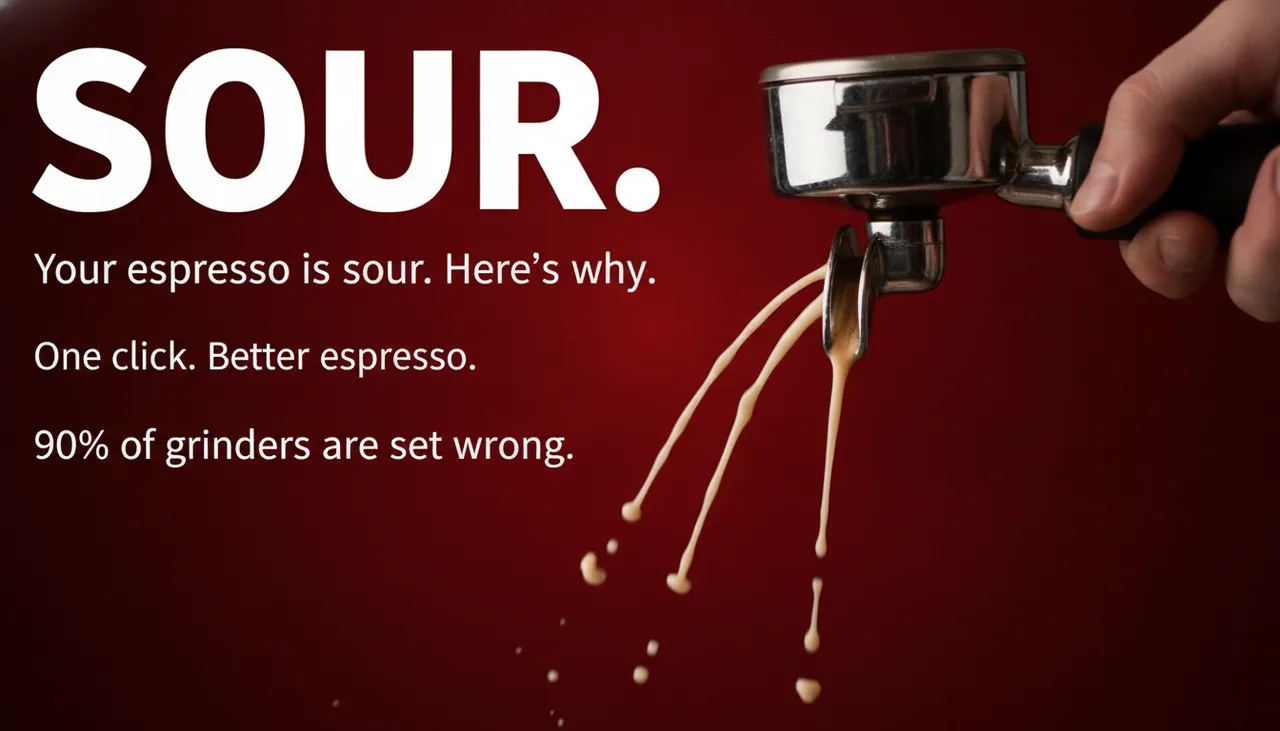
    Narrated social clip

    A script becomes a voiceover, a key visual and a vertical clip — the parts of a short.
  • Social media · 3 stages

    Social thumbnails

    A topic becomes three hook lines and three thumbnails to test against each other.
  • Clip

    Filmmaking · 3 stages

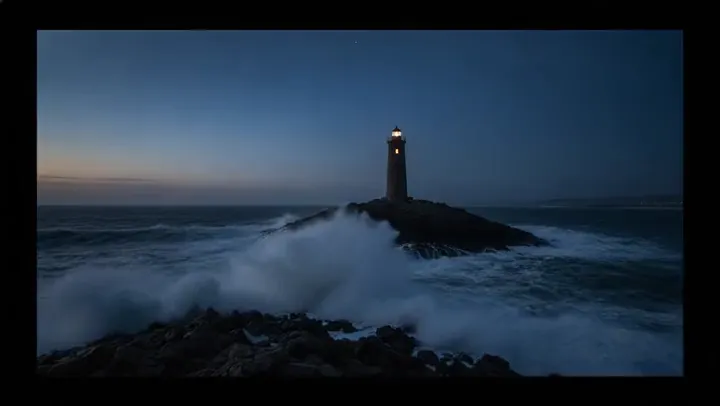
    Storyboard to clip

    Write a shot, render it as a still, then travel from that still to the next one.

The plan that fits

Free to explore. Pay to run.

Pro for testing openings at volume, with priority rendering; Team when it opens.

Every plan and price
  • Pro

    $49 per month

    For a brand or creator running campaigns at volume.

    2,400 credits a month · 1 seat

    Pro's 2,400 credits ≈ 48 eight-second Veo 3 Fast clips, or 240 images.

  • TeamComing

    $129 per month

    A shared workspace for a team making campaigns together.

    7,000 credits a month · 3 seats · not on sale yet

Questions

Asked first.

Ten openings for your app, freeHow to test ad creative
  • Can I use my real screen recording?

    Yes. Upload a recording to a board, build the opening and the end card around it, and wire it into a finish card for word-timed captions. Setting it in a device frame with the taps highlighted is coming.

  • How many openings can I test?

    As many as you run. Each card makes up to 4 takes a run, priced before you press it, and the free hook generator writes ten openings across six patterns to start from.

    Free hook generator
  • Which shapes can I make?

    9:16 for TikTok, Reels and Shorts, 4:5 or 1:1 for the Facebook and Instagram feed, and 16:9 for YouTube. Each video card offers the shapes its model supports.

    Aspect ratios and safe zones
  • Does it connect to my ad account?

    Not today. You download what you make and upload it to your ad manager. Posting straight to an ad account is coming.

Free to explore · pay to run

What are you making next?

A sentence is enough to start. The board is yours to build before anything costs a credit.

Continues with Google. By continuing you agree to the Terms and Privacy Policy.